
Integrate with Coderbyte
Using this guide, learn to connect Coderbyte with Growhire to seamlessly evaluate candidates and sync their results back to their profile.
Generate an API key
Section titled “Generate an API key”To connect with Coderbyte, you’ll first need to generate an API key from your Coderbyte account. Follow the steps outlined in this article.
Connecting Coderbyte
Section titled “Connecting Coderbyte”Once you have your API key, log in to your Growhire account and navigate to Settings → Integrations → Assessment (in the left sidebar). Click the Connect button below the Coderbyte logo.
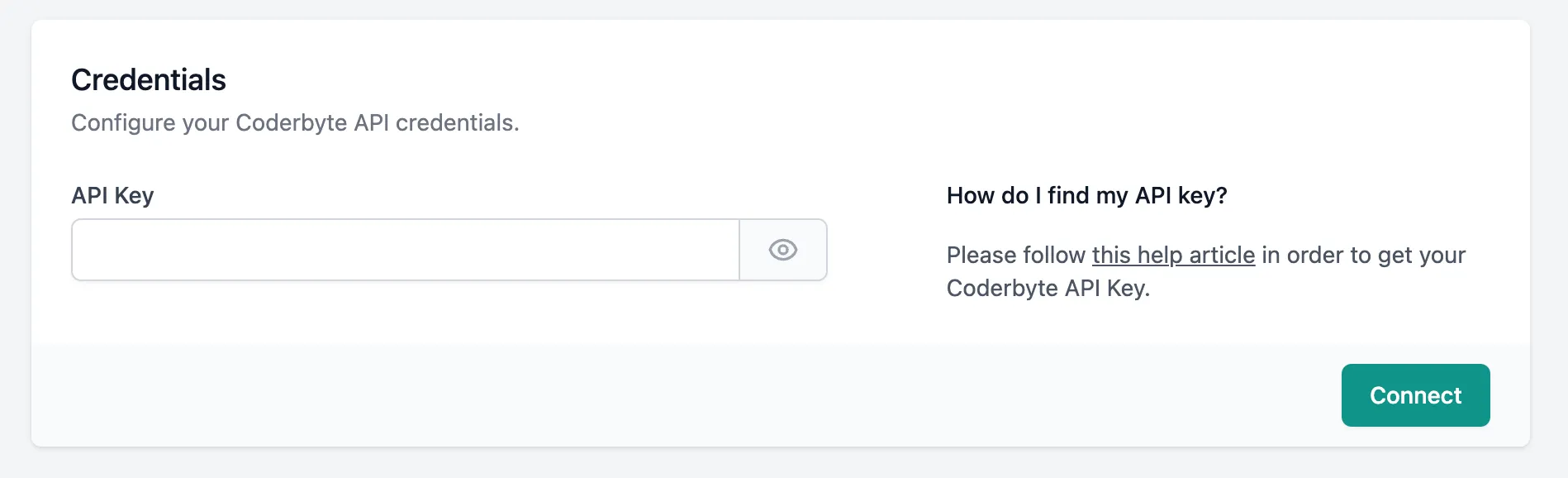
You will be presented a screen to enter your API Key. Paste it in the text field and click Connect.
You can now create Workflows to automate tasks between Growhire and Codebyte.