Candidates
On the Candidates page, you’ll find a full roster of applicants who have moved into your pipeline, independent of the specific job they applied to. This layout helps you manage your talent pool and keep strong candidates in mind for future positions.
Candidate View
Section titled “Candidate View”Start by navigating to Candidates in the main navigation bar.
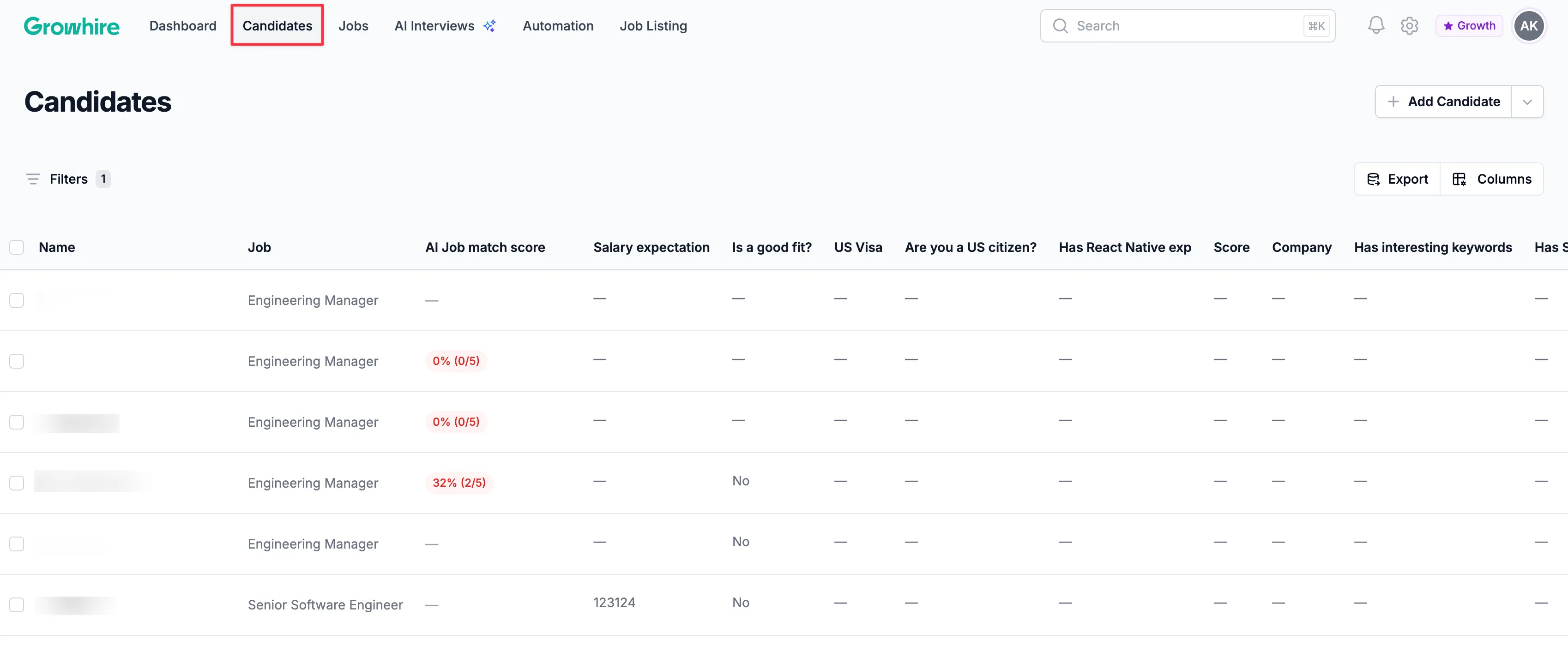
Select any candidate from the list to open their profile.
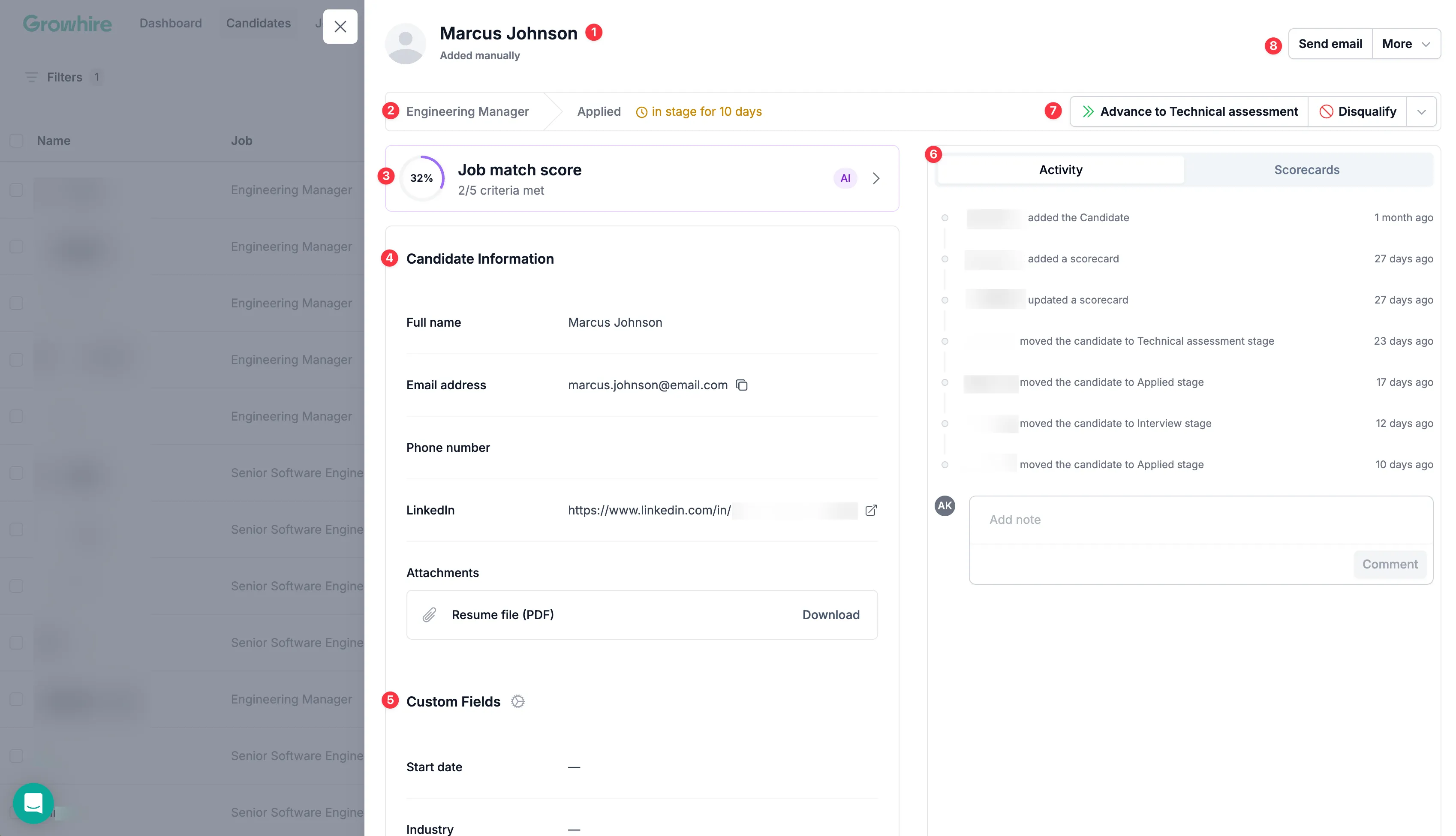
The candidate profile view is organized into distinct sections, each designed to highlight key details about the applicant. Below is a breakdown of each section:
- Name of your candidate
- Job title: The title when configuring your job.
- Job match score: Automatically generate a job match score that compares the candidate’s resume to the job description.
- Candidate information: View the candidate’s details, including their email address, phone number, LinkedIn profile, and any other information provided during the application process.
- Custom Fields: Add additional notes to easily access when viewing candidates in your pipeline.
- Activity Feed and Scorecard: Review a record of all interactions related to the candidates during the hiring process and customize a scorecard when evaluating or documenting feedback throughout the interview process.
- Hiring stages: Move a candidate forward in the hiring process or remove them from consideration.
- Send email and More: Communicate directly with the candidate, send a questionnaire, update their information, or consider them for other open roles.
Dashboard View
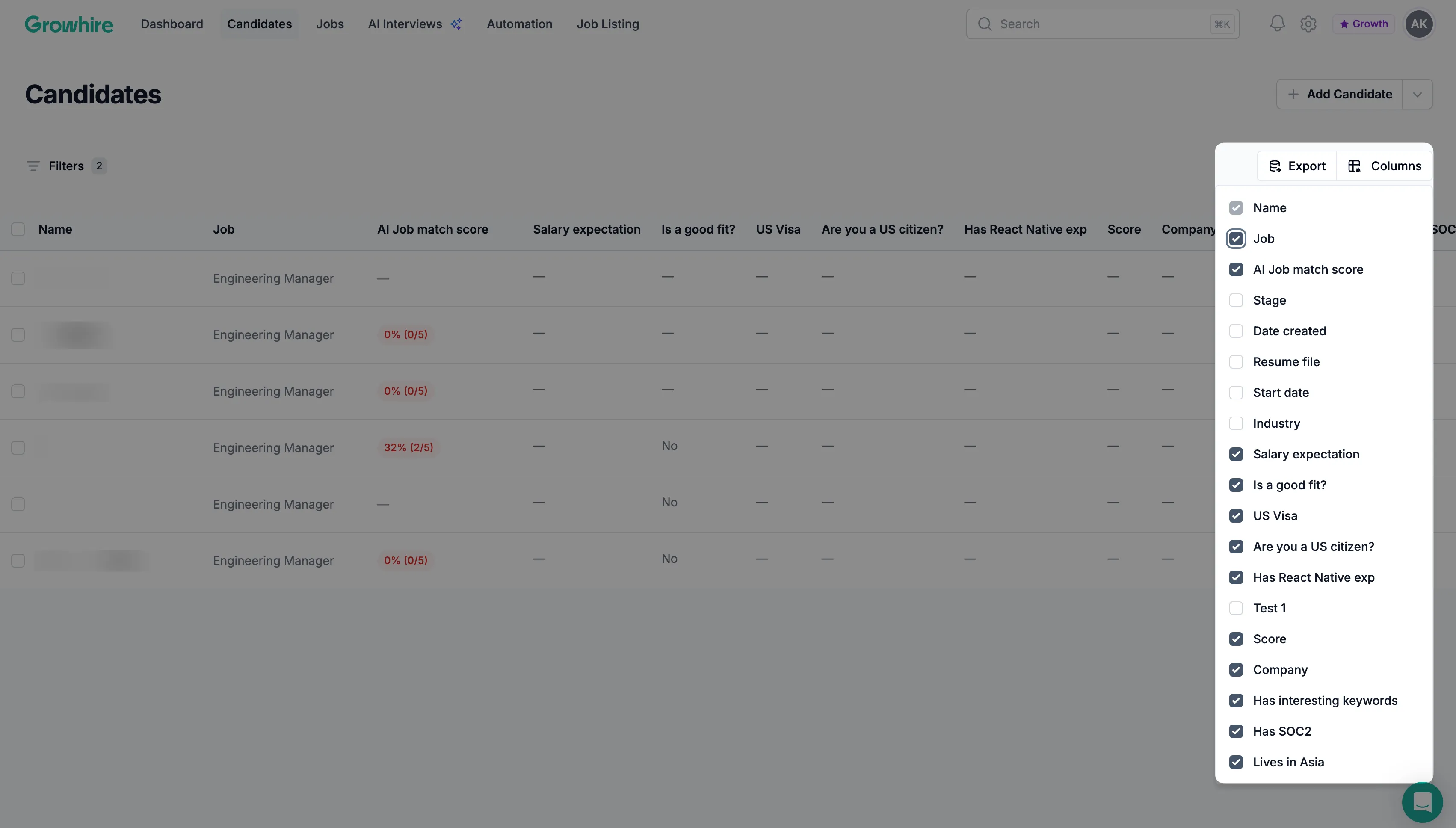
Section titled “Dashboard View”Filter and search candidates
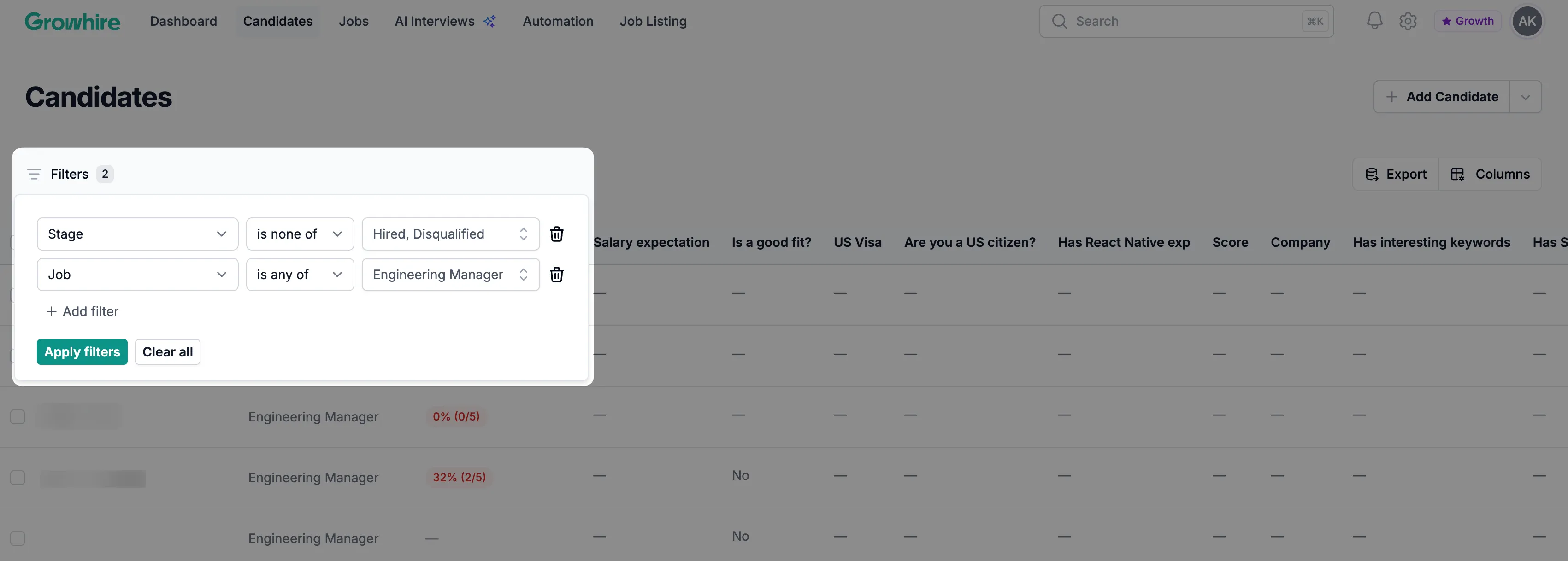
Section titled “Filter and search candidates”Use filters to quickly narrow down candidates, making it easy to find specific profiles, review past applicants, or build shortlists.
Add notes and custom fields
Section titled “Add notes and custom fields”You can update custom fields to make it easier to track notes, evaluations, or internal details that matter to your team.
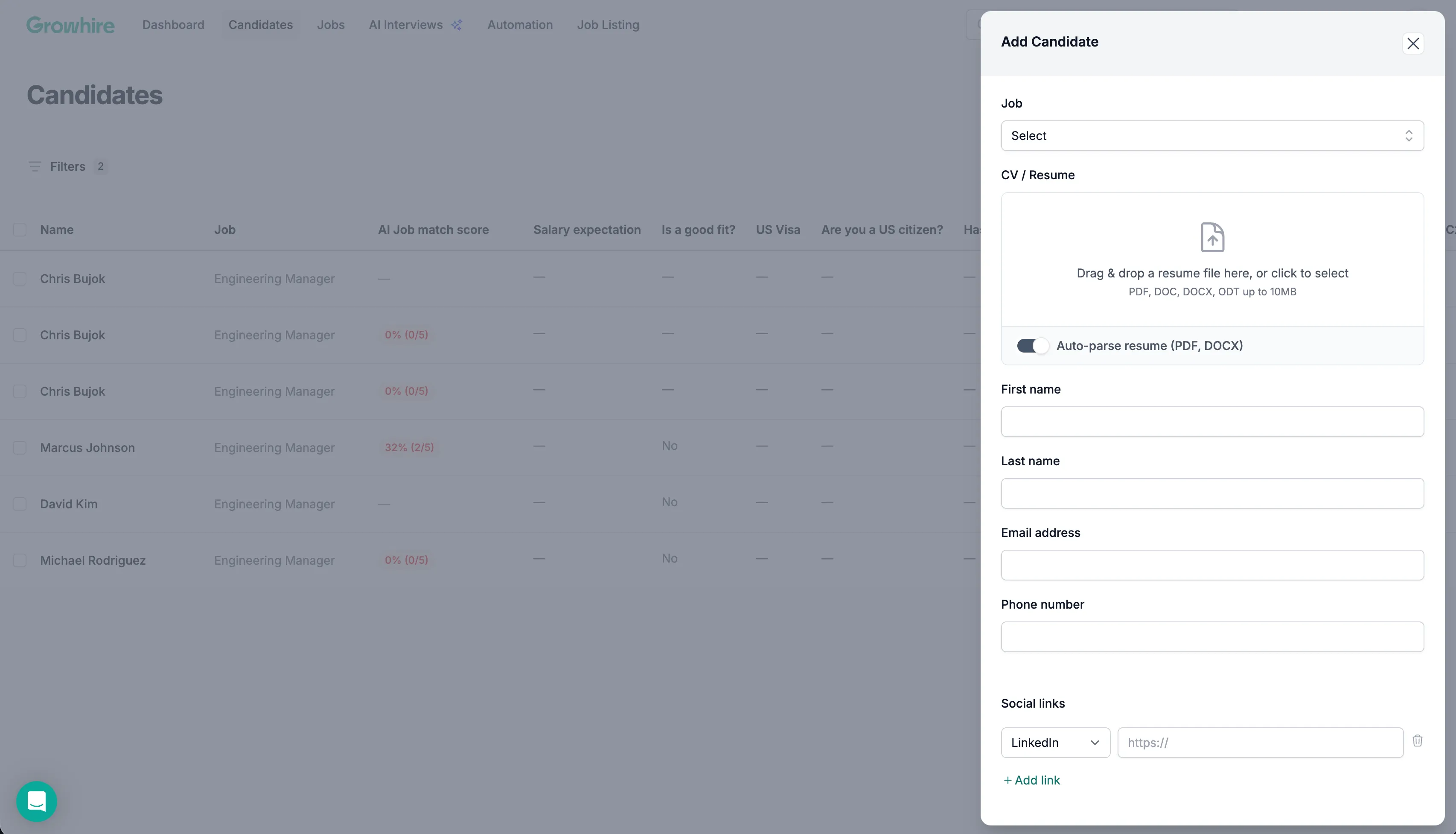
Manually upload candidates
Section titled “Manually upload candidates”You can also manually add a candidate to the system. When uploading a candidate, you’ll be prompted to enter the details and upload a resume, which is automatically parsed and added to their profile.