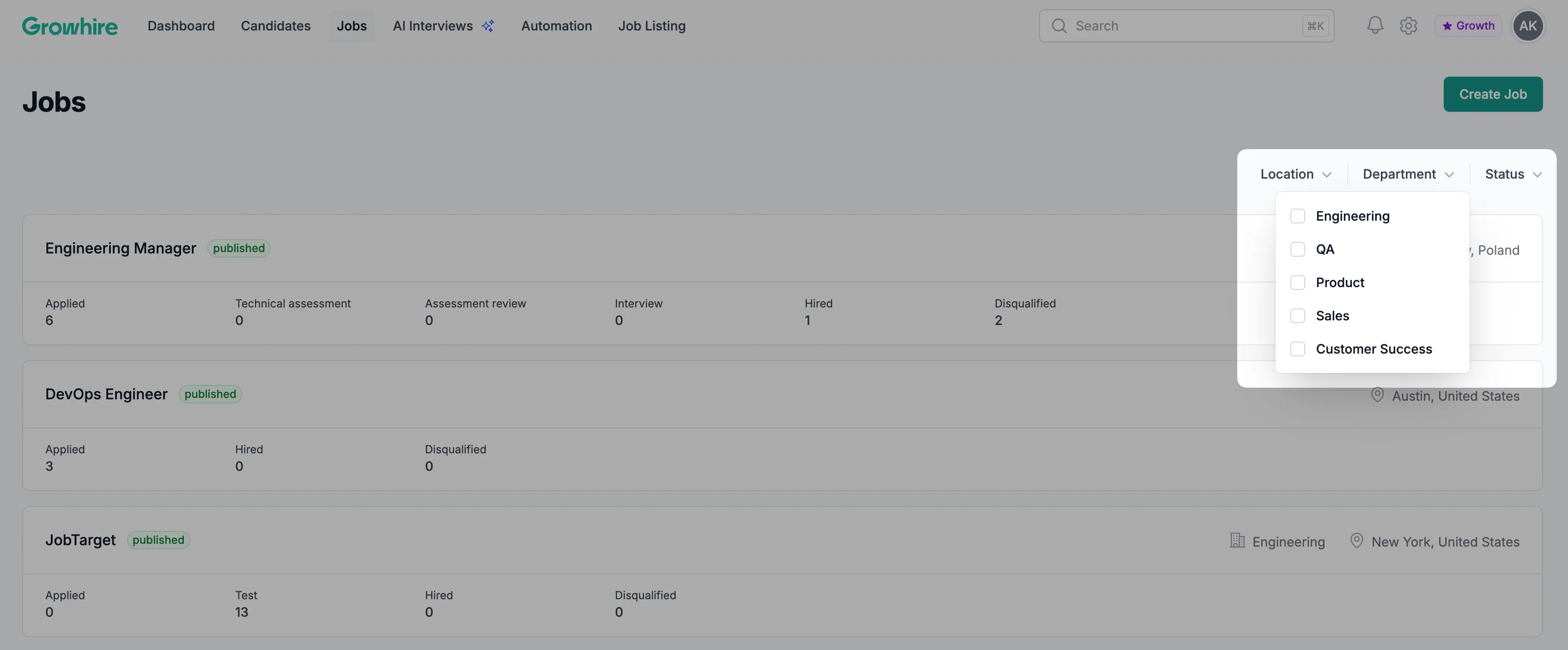
Jobs dashboard
The Jobs dashboard allows you to create new jobs, manage existing roles, and quickly find positions using built-in filters. Start by selecting Jobs in the main navigation bar.
Create a New Job
Section titled “Create a New Job”To create a new job, click Create Job from the Jobs Dashboard. From there, you can enter the relevant job details and save the position.
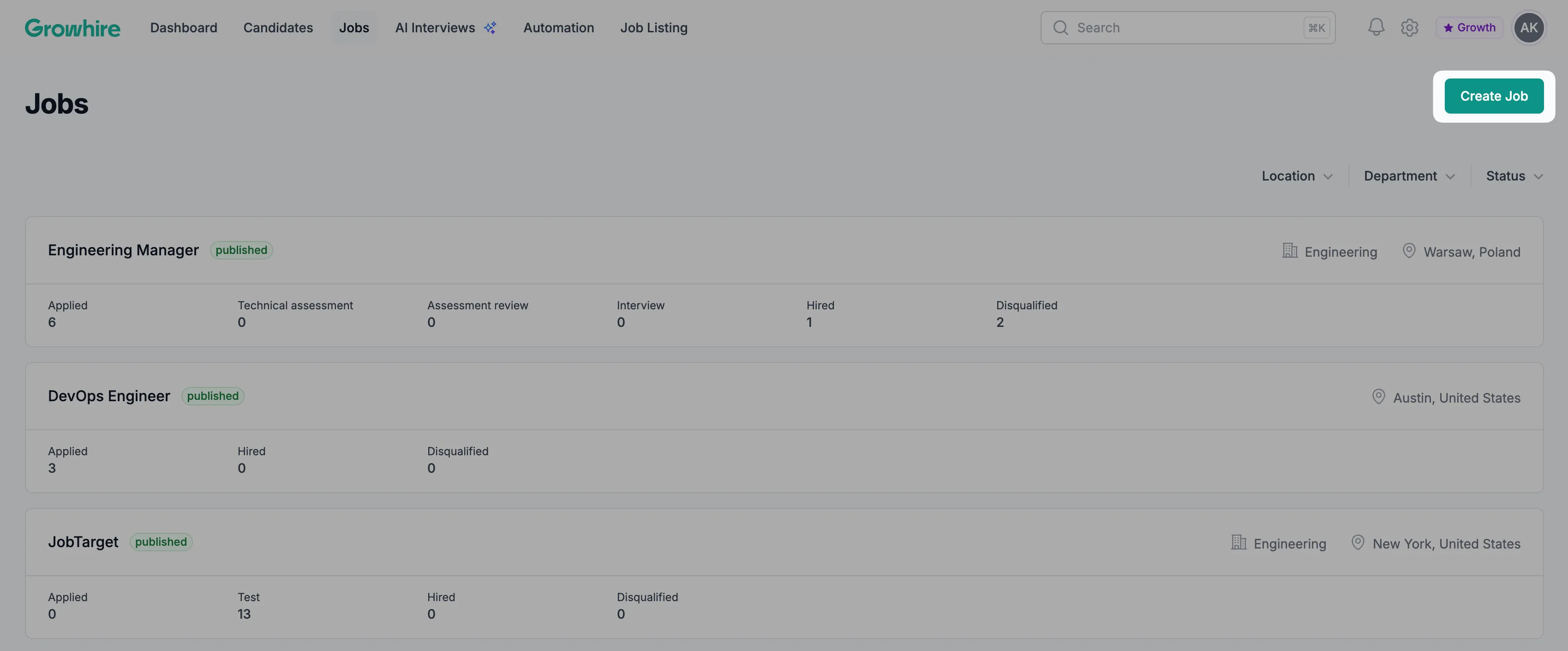
Once created, the job will appear in your dashboard list.
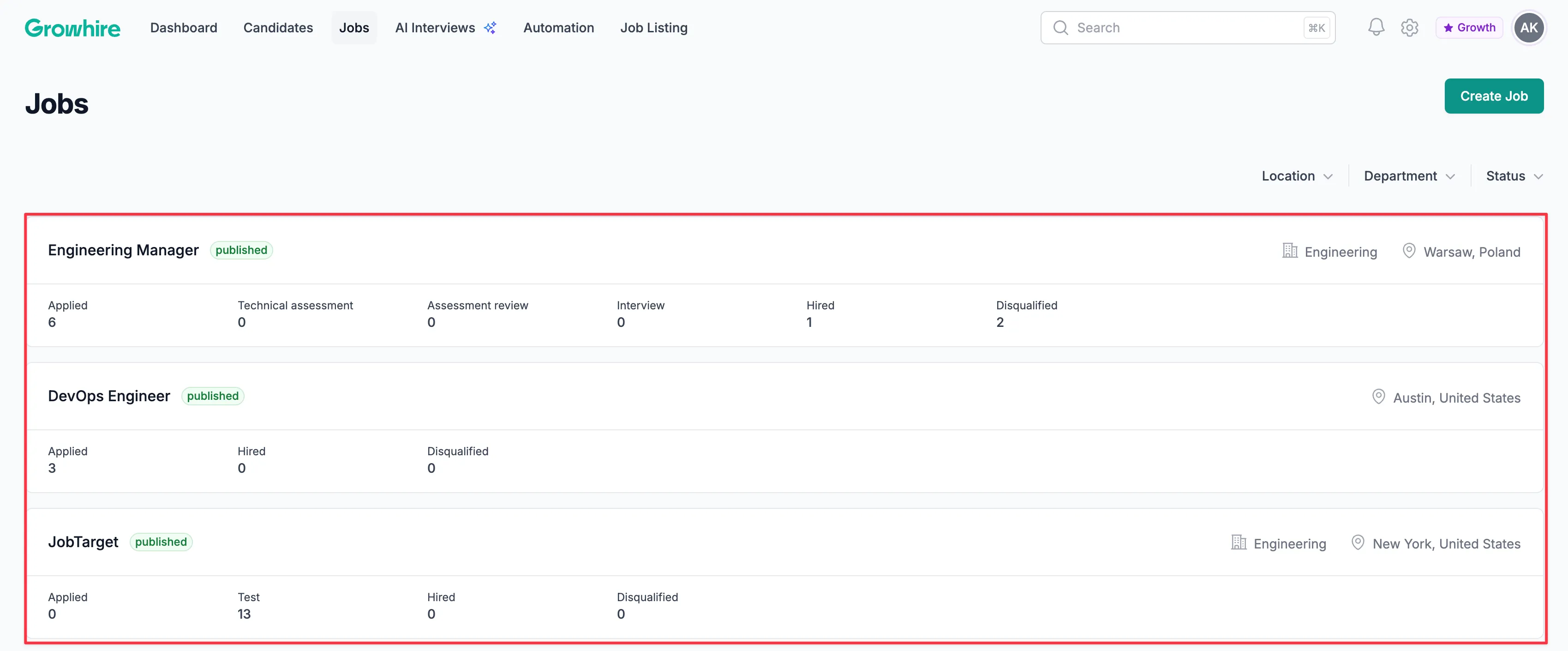
View and Manage Existing Jobs
Section titled “View and Manage Existing Jobs”All existing jobs are displayed in the dashboard. Select a job to view its details, make updates, or access related information.
Filter Jobs
Section titled “Filter Jobs”Use the available filters to quickly locate specific roles. You can filter jobs by:
- Location
- Department
- Status