
List your job
You can display your jobs in a few different ways, including on your career page, on a job board, or with an iFrame embed.
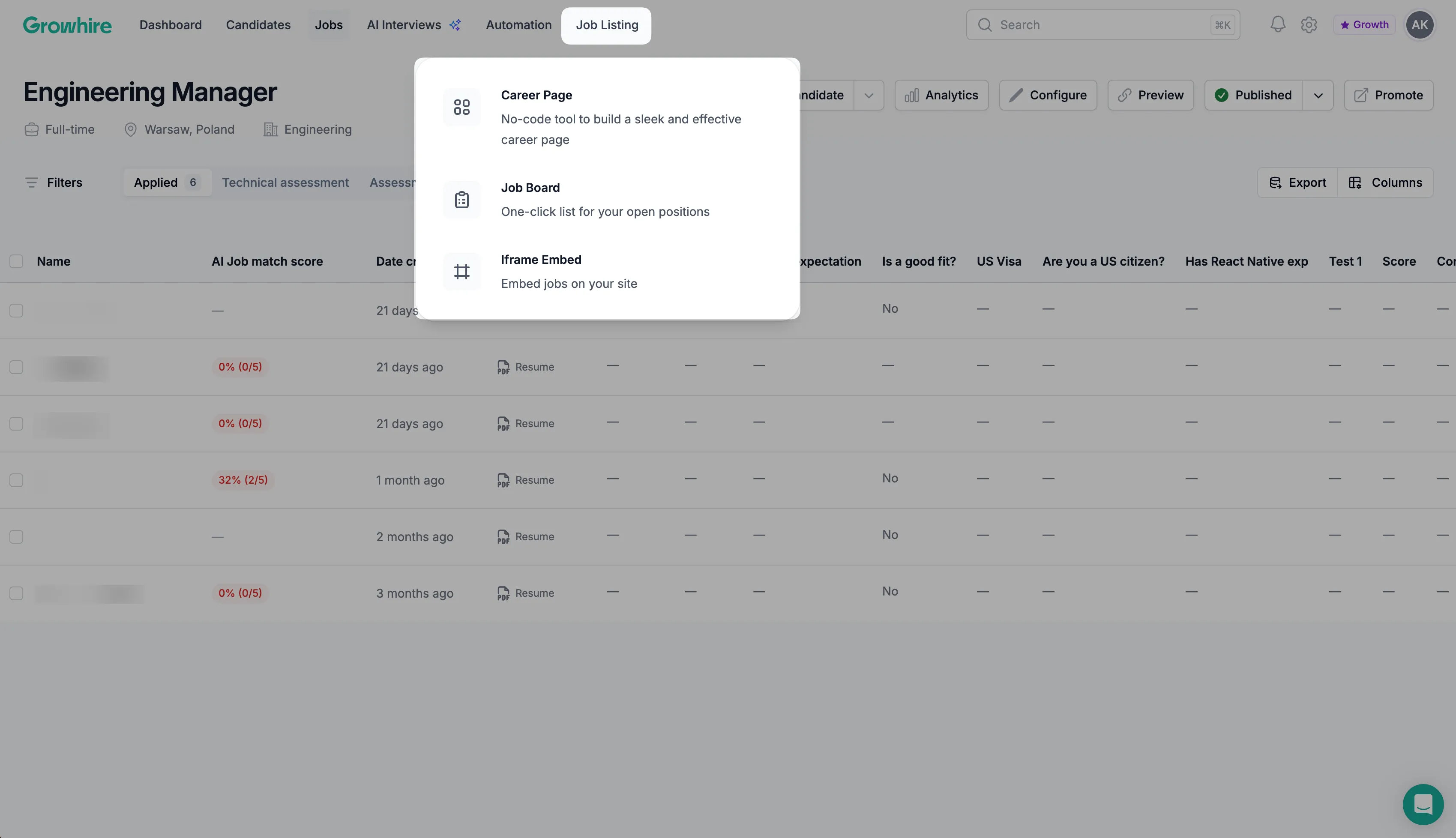
Start by navigating to Job Listing in your main navigation bar, then select one of the following options:
- Career Page
- Job Board
- Iframe Embed
Career Page
Section titled “Career Page”Build a sleek, branded career page—no coding required—to showcase all your open positions in one place. This option is ideal if you want a single, professional link to send candidates or feature on your website.
You can customize the page to match your brand by updating the header, uploading your company logo, adjusting colors and styling, among other design elements.
Job Board
Section titled “Job Board”Create a dedicated job board page that displays all of your open positions in one place. You can share the URL with candidates or link to it directly from your main website.
- Job Board Settings
When customizing your job board, update the page title, logo, favicon, accent color, and available filters. These settings allow you to align the page with your brand and control how roles are organized and displayed.
- Meta Tags and Open Graph
Improve how your job board appears when shared online by editing the meta title, description, and preview image. Updating these settings enhances visibility and ensures your job board looks professional when posted on social media or messaging platforms.
Iframe Embed
Section titled “Iframe Embed”Use an iFrame to display your job listings seamlessly on your current website. Candidates stay on your domain, while you manage postings and applications in Growhire.
Once embedded, your job list updates automatically whenever you add, edit, or close a role in Growhire.